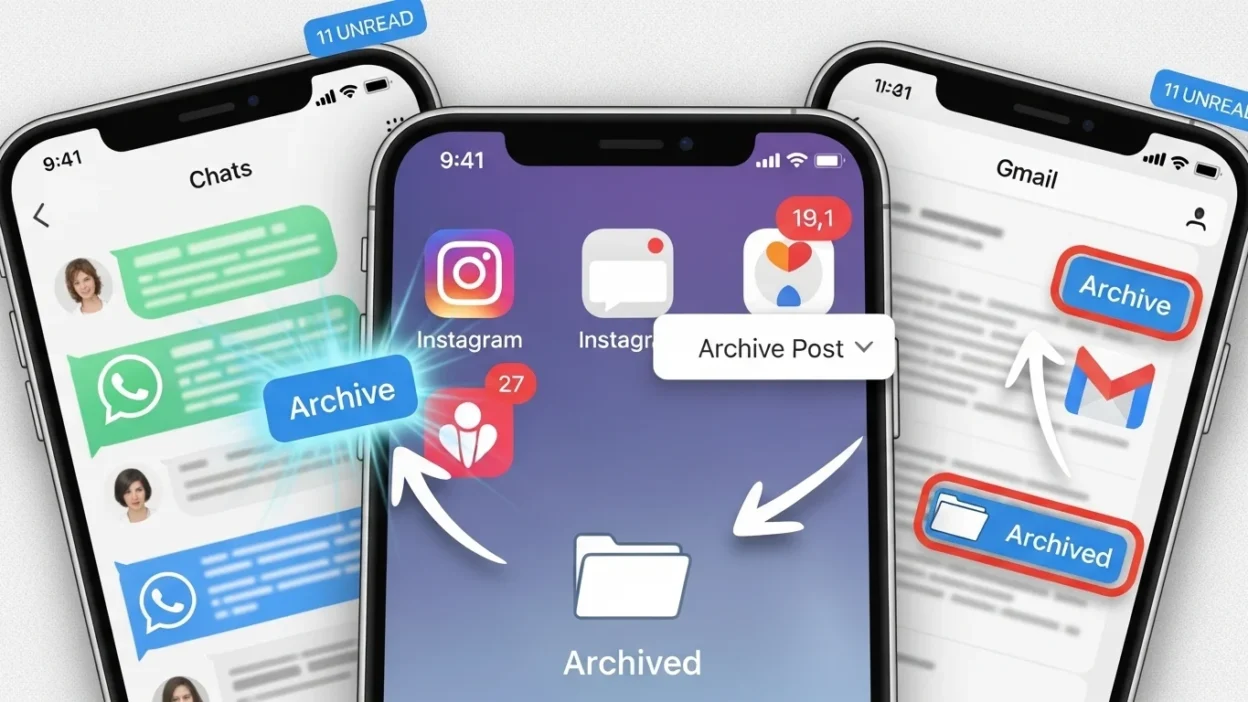
Ever seen someone say “Let’s archive this chat 😅” and wondered what they meant? Or noticed a post disappearing from Instagram but not actually being deleted? That’s archiving at work keeping things safe, tidy, and out of immediate view.
In this guide, we’ll cover archive meaning in text, how to use it, and examples across platforms.
Quick Answer: Archive means to store or hide messages, chats, emails, or posts without deleting them.
It’s a friendly, casual term in texting and a functional action in apps like WhatsApp, Gmail, or Instagram.
What Does Archive Mean in Text vs. Apps? 🧠
Archive in texting / slang:

- Refers to putting a chat or conversation aside so it’s not in your main feed.
- Casual, friendly, used among friends.
Example:
A: “This chat is getting messy 😅”
B: “Yeah, let’s archive it for now.”
Archive in apps / email:
- Gmail, WhatsApp, Instagram allow you to store messages or posts without deleting them permanently.
- Useful for organization and decluttering.
In short: Archive = store/hide without deleting = keep for later.
Where Is Archive Commonly Used? 📱
Popular platforms where “archive” is used:
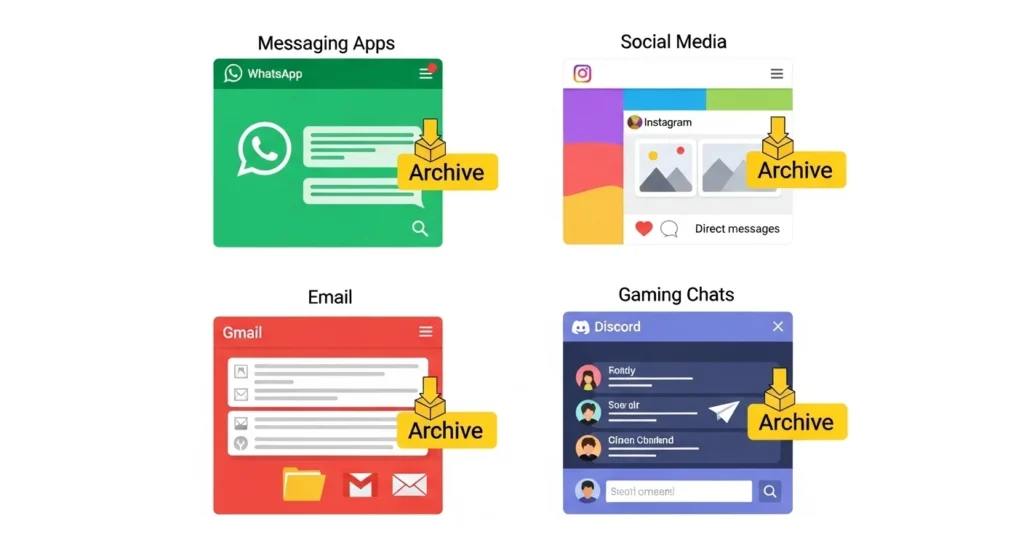
- Messaging apps: WhatsApp, Messenger, Telegram (archive in chat)
- Email: Gmail, Outlook (archive emails to declutter inbox)
- Social media: Instagram, Facebook (archive social media posts/stories)
- Gaming chats: Discord and Slack (archive channels or conversations)
Tone:
- Casual in texting/slang
- Functional / formal in email and app instructions
Step by Step: How to Archive Messages & Posts 🛠️
WhatsApp / Messenger:
- Swipe left/right on a chat.
- Tap Archive.
- Chat disappears from main view but can be found in Archived Chats.
Instagram:
- Go to your post.
- Tap the three dots (…) → Archive.
- Post is hidden from your feed, still visible in Archive tab.
Gmail:
- Select email(s).
- Click Archive button.
- Emails move to All Mail, out of inbox but searchable.
Examples of Archive in Conversation 💬
Here are realistic examples showing “archive conversation” in action:
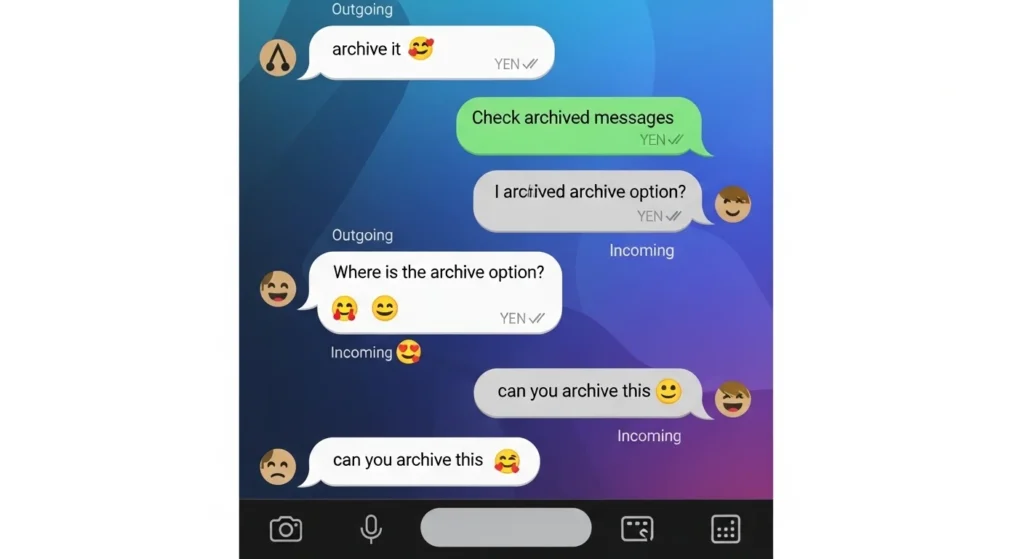
- Example
A: “This chat is too long 😅”
B: “Let’s archive it for now.”
- Example
A: “Can we hide the old group chat?”
B: “Archive it, so it’s out of sight.”
- Example
A: “Inbox is full 😵”
B: “Archive some emails, it helps a lot.”
- Example
A: “Do you still want those pics?”
B: “Nah, just archive them.”
- Example
A: “I can’t find our chat 😭”
B: “Check your archived messages!”
- Example
A: “Should I delete or archive the group?”
B: “Archive it, just in case.”
- Example
A: “I don’t want this post visible anymore.”
B: “Archive it on Instagram.”
- Example
A: “This channel is inactive.”
B: “Archive it in Discord.”
- Example
A: “Too many notifications 😩”
B: “Mute or archive the thread.”
- Example
A: “Old messages are cluttering my inbox.”
B: “Archive emails, you’ll still find them later.”
- Example
A: “Can I hide this chat temporarily?”
B: “Yes, just archive it.”
- Example
A: “Old Instagram story is embarrassing 😳”
B: “Archive it, no one will see it.”
When to Use and When Not to Use Archive 🕓
✅ When to Use:
- Cleaning up chats or inboxes
- Saving messages for future reference
- Casual organization
- Hiding posts temporarily
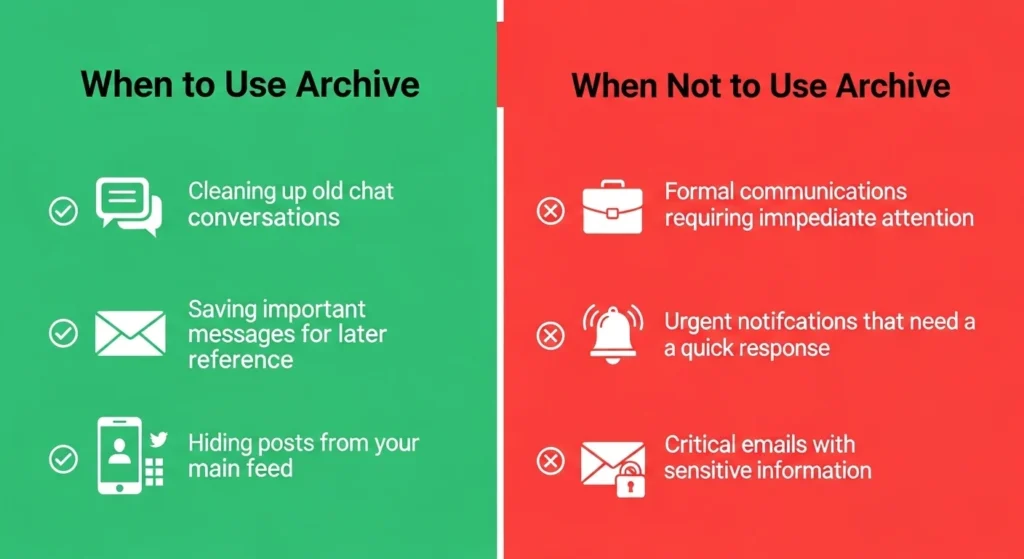
❌ When Not to Use:
- Urgent or formal communications
- Messages needing immediate response
- Legal or critical emails
| Context | Example Phrase | Why It Works |
| Friend Chat | “No rush, archive the chat 😄” | Casual & friendly |
| Work Chat | “Please archive these notes” | Polite & professional |
| “I will archive the old threads” | Formal & clear |
Similar Slang Words or Alternatives 🔄
| Slang | Meaning | When to Use |
| DM (Direct Message) | Private chat message | Casual or social media chat |
| Thread | Series of messages/posts | Group chats or forums |
| Save | Keep a post or message | Social media or chat apps |
| Pin | Keep at the top for easy access | Important messages or posts |
| Mute | Hide notifications from a chat | Casual, avoids distraction |
FAQs About Archive ❓
Q1: Can I recover archived messages?
Yes! Archiving doesn’t delete them. You can always unarchive to see them again.
Q2: Is “archive” casual slang or formal?
It’s casual in texting and functional in apps like WhatsApp, Instagram, or Gmail.
Q3: Does archiving delete messages permanently?
No. Archived messages remain stored safely.
Q4: Can I archive posts on social media too?
Yes! Instagram, Facebook, and other platforms allow you to archive social media posts.
Q5: Is archiving used in professional emails?
Yes, it helps keep the inbox tidy without deleting messages.
Q6: How to find archived chats on WhatsApp or Gmail?
Check the Archived Chats section in WhatsApp or All Mail in Gmail.
Conclusion 🗂️
The term archive is both a casual slang in texting and a useful organizational tool in apps.
Whether you’re tidying chats, saving posts, or managing emails, archiving keeps things safe, organized, and easy to find later.
Next time you see someone say “archive it”, you’ll know it’s about hiding, not deleting, keeping everything neat while still accessible.

Robert Kalian is a passionate visionary dedicated to creativity, leadership, and meaningful innovation. He believes in turning ideas into action and inspiring others to achieve their highest potential.