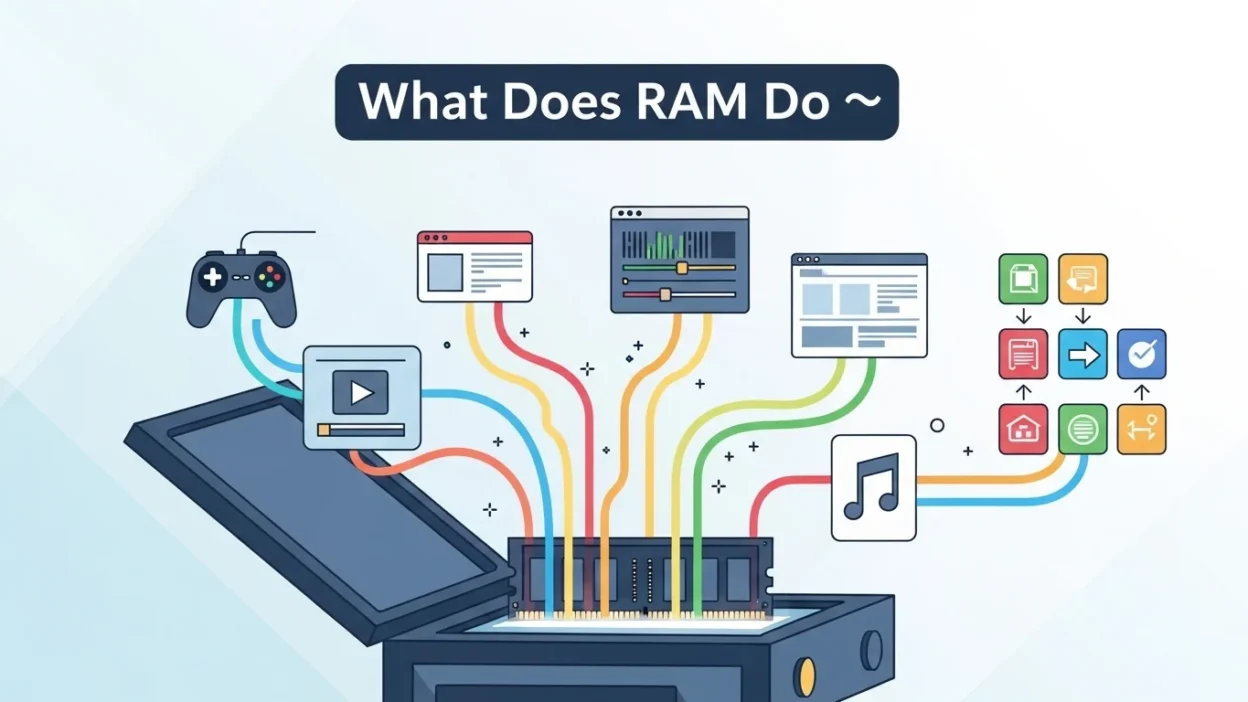
Have you ever noticed your phone or computer slowing down, apps freezing, or games lagging, and wondered, “What does RAM do?” At first, it might seem like a mysterious tech term, but it’s actually one of the most important parts of your device.
Understanding RAM can help you troubleshoot slow devices, optimize your PC for gaming, and even explain why your phone struggles with multiple apps.
Quick Answer:
RAM stands for Random Access Memory. It’s a casual, tech-friendly term for the “working memory” of your device that temporarily stores data your device needs for active tasks.
More RAM usually means faster apps, smoother multitasking, and better gaming performance.
What Does RAM Mean in Text and Tech? 🧠
RAM Full Form: Random Access Memory
Simplified Meaning: RAM is temporary memory your device uses to store information it’s currently working on. Unlike storage (SSD/HDD), which holds files permanently, RAM clears when your device powers off.

Example (RAM Meaning in Text/Tech):
A: My laptop keeps freezing 😩
B: You probably need more RAM 😅
In short: RAM = Random Access Memory = working memory that helps your device run apps faster.
How RAM Works and Why It Matters 🖥️
RAM temporarily stores data your device is actively using, so your processor (CPU) can access it quickly. The more RAM your device has:
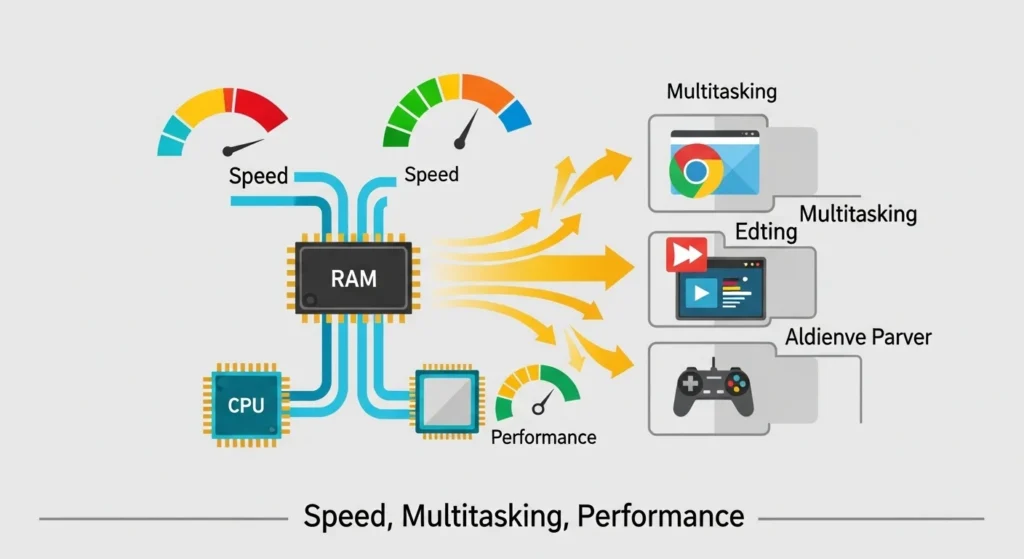
- Faster multitasking ✅
- Smooth gaming performance 🎮
- Reduced app crashes
- Better overall device responsiveness
RAM vs Storage:
| Feature | RAM (Random Access Memory) | Storage (SSD/HDD) |
| Purpose | Active tasks, running apps | Permanent files, apps, OS |
| Volatility | Temporary (clears on shutdown) | Permanent |
| Speed | Very fast | Slower than RAM |
| Example Use | Gaming, video editing, browsing | Saving photos, installing apps |
Where Is RAM Commonly Used? 📱
RAM is mentioned in tech, gaming, and casual device conversations:
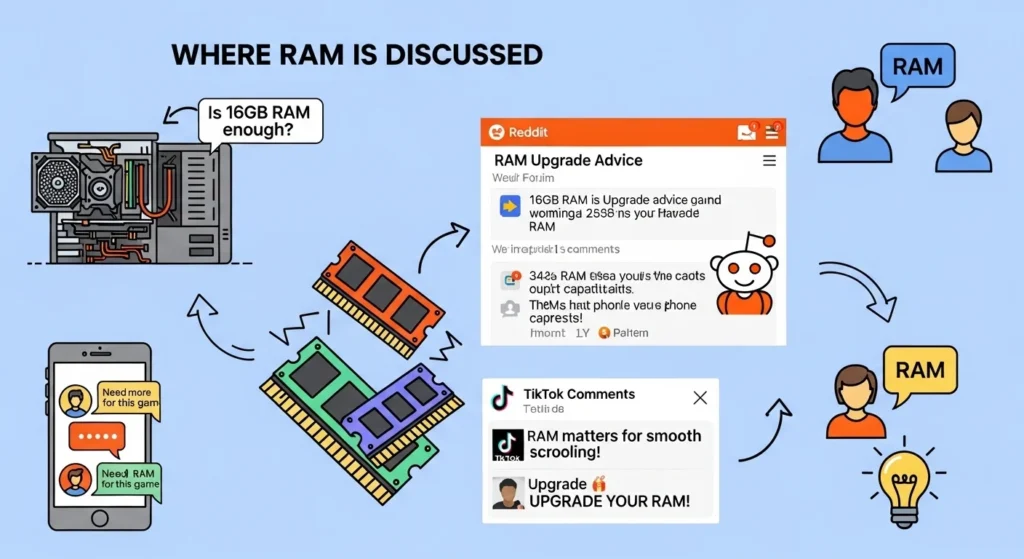
- 💬 Texting friends about devices — casual tech talk
- 🎮 Gaming chats — “My PC needs more RAM for Fortnite”
- 📱 Reddit, forums, or tech blogs — detailed explanations
- 🎥 YouTube or TikTok comments — social-media–friendly
Tone: Mostly casual and informative; not formal unless you’re writing professional tech documentation.
Examples of RAM in Conversation 💬
Here are realistic examples of RAM usage in texting, tech chats, and casual advice:
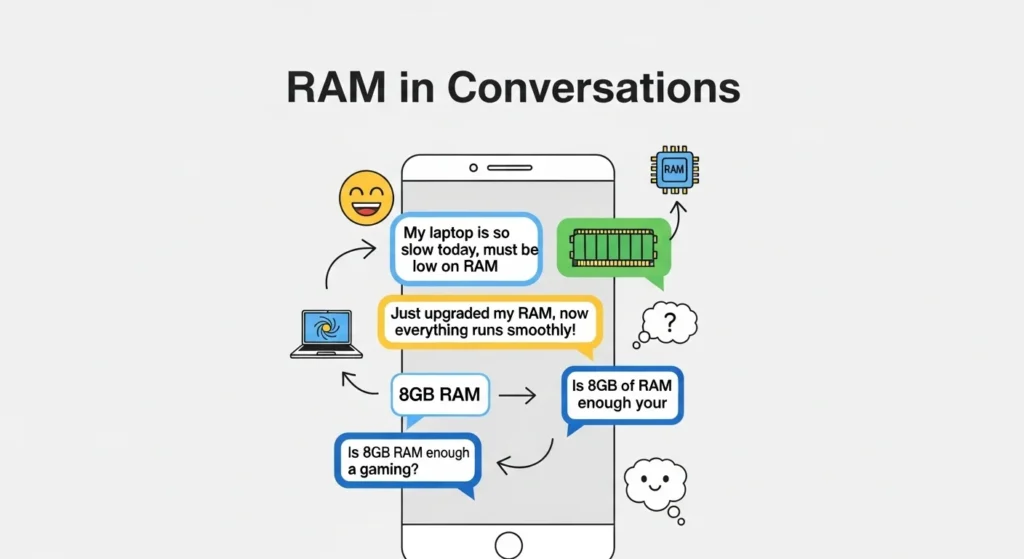
- Example
A: My laptop keeps freezing 😭
B: You might be low on RAM
- Example
A: Can I run this game on my PC?
B: Depends on your RAM 😎
- Example
A: Why is my phone so slow today?
B: Check your RAM usage 🧐
- Example
A: Installed 16GB RAM yesterday
B: Nice! That should help multitasking 💪
- Example
A: My editor keeps crashing 😩
B: Might be your RAM struggling
- Example
A: How do I make my laptop faster?
B: Add more RAM or close background apps
When to Use and When Not to Use RAM 🕓
✅ When to Use (RAM in casual or tech talk):
- Talking about device speed or performance
- Gaming discussions
- Advising friends about multitasking or lag
- Social media posts about PCs or phones
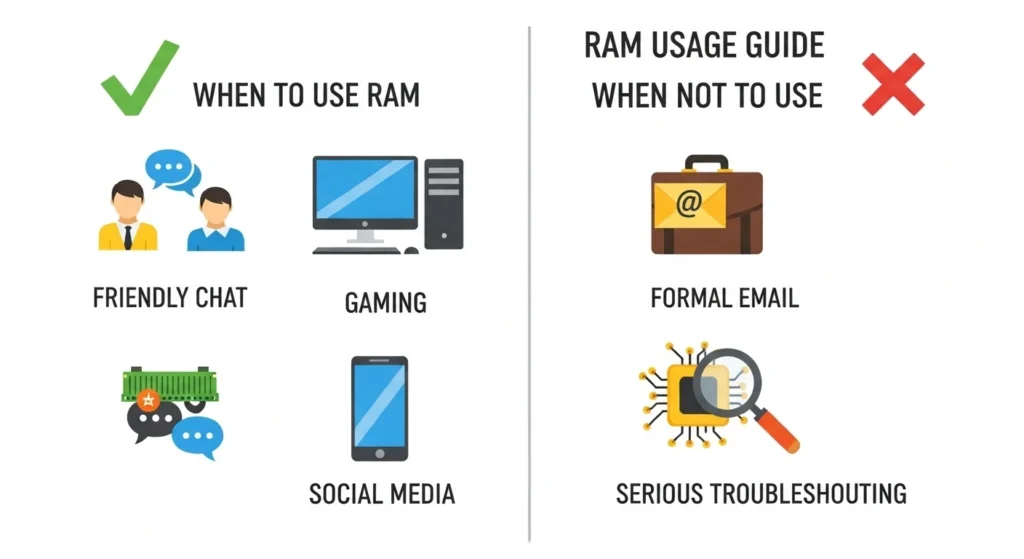
❌ When Not to Use:
- Formal work emails
- Serious troubleshooting without context
- Talking about memory outside tech
Comparison Table:
| Context | Example Phrase | Why It Works |
| Friend Chat | “No worries, just add more RAM 😄” | Casual & friendly |
| Work Chat | “Your device may benefit from more RAM.” | Polite & professional |
| “Please consider upgrading the RAM to improve performance.” | Formal & clear |
Types of RAM and How They Affect Performance ⚡
Not all RAM is equal. Knowing the types of RAM helps you pick the right upgrade for your PC or phone:
| RAM Type | Speed / Use | Best For |
| DDR3 | Older PCs, moderate speed | Casual browsing, office tasks |
| DDR4 | Standard modern PCs, good speed | Gaming, multitasking |
| DDR5 | Newest, fastest standard | High-end gaming, video editing |
Tip: More RAM doesn’t always mean better performance if your CPU is slow or apps are unoptimized.
Similar Slang Words or Alternatives 🔄
| Slang | Meaning | When to Use |
| CPU | Central Processing Unit – the “brain” of your device | Tech discussions & gaming |
| SSD | Solid State Drive – faster storage than HDD | Device optimization chats |
| GPU | Graphics Processing Unit – handles visuals & games | Gaming & tech discussions |
| Lag | Delay in device response | Gaming & casual tech talk |
| Multitasking | Running multiple apps at once | Casual & tech advice |
FAQs About RAM ❓
Q1: Can I use RAM as slang in texting?
A: Only in tech chats. Outside of that, it usually refers to device memory.
Q2: How much RAM do I need for my device?
A: Smartphones: 4–8GB. PCs: 8GB for casual use, 16GB+ for gaming/video editing.
Q3: Can adding RAM speed up my device?
A: Yes! More RAM helps apps run faster, improves multitasking, and reduces crashes.
Q4: RAM vs Storage what’s the difference?
A: RAM is temporary “working memory,” while storage keeps your files permanently.
Q5: Does RAM affect gaming performance?
A: Absolutely! Low RAM can cause lag, frame drops, and slow load times.
Conclusion:
Understanding what RAM does is essential for anyone who uses a computer, smartphone, or gaming console.
From improving device speed to preventing crashes, RAM plays a vital role in performance.
Whether you’re texting a friend about a laggy phone, troubleshooting a slow PC, or upgrading your system for gaming, knowing your RAM basics can save you time and frustration.

Kaliyan Martan is a passionate dreamer and creative thinker who believes in turning ideas into meaningful action. With vision and dedication, he strives to make a lasting impact through innovation and authenticity.